Make a demo of creating an invoice on localhost:3000
You ask
Say what to show and where. Your app on localhost, a staging site, or any page.
Tell Claude Code, Cursor or Claude Desktop what to show. Recklip clicks through it in a real Chrome, records it, and hands you a link to a video that's already edited.
claude mcp add recklip -- npx -y recklip-mcp
 REC 0:00
Say what to show and where. Your app on localhost, a staging site, or any page.
A short list of clicks and typing. It runs fast, without recording, until every step works.
Real Chrome, smooth cursor. It looks at a frame of every step before it hands the video over.
You also get project.zip to open it any time, and a contact sheet the AI uses to check its work.
1
2
3
Two pretend apps, built for this. Nothing on them is real: no tickets, no invoices, no charges.
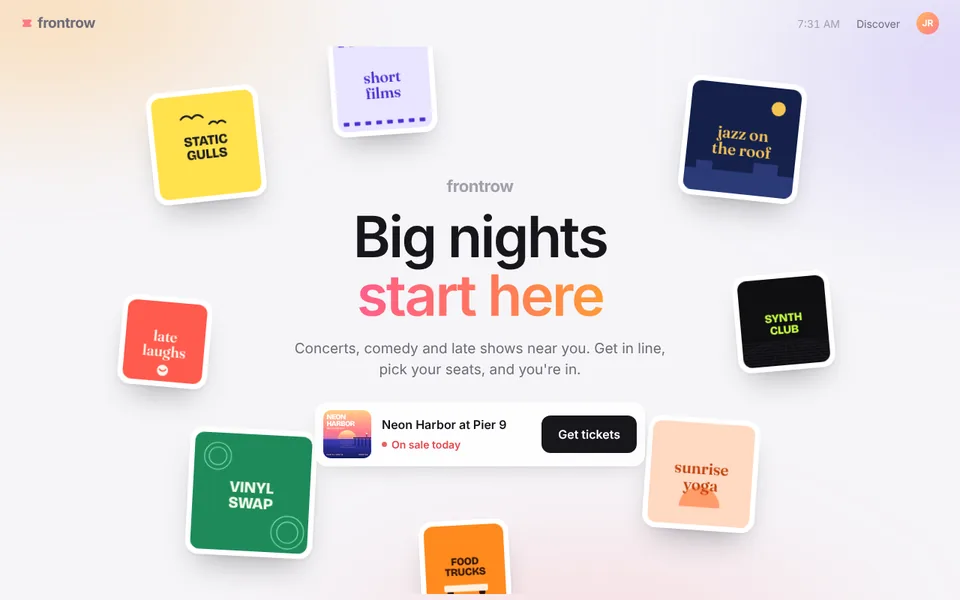
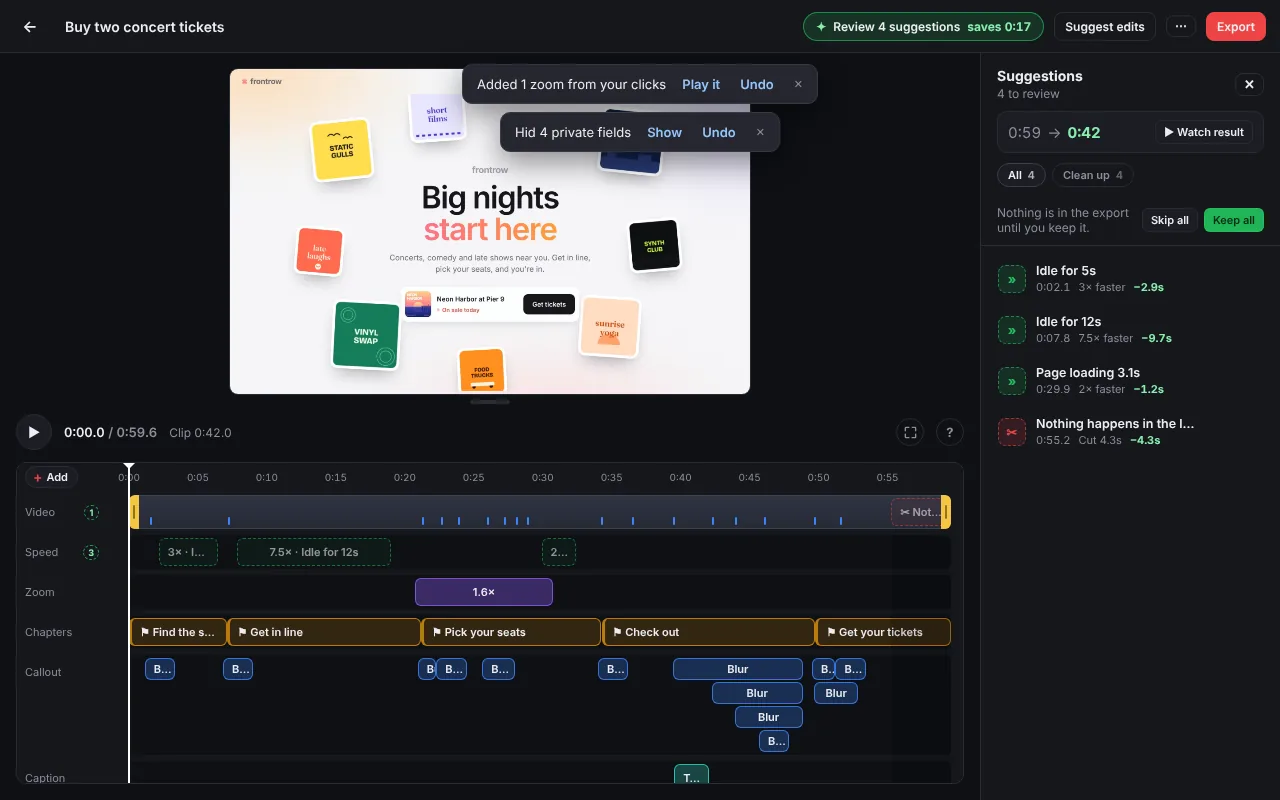
A Frontrow recording the MCP made from the plan below, untouched. It opens in your Recklip editor (0.4 or newer). Not opening? Download it and drop it on your library.
Ticket site · no sign-in
Open Frontrow ↗
A queue, a seat map, a slow checkout and a code check. About a minute of video, and every clean-up rule fires.
Fetch the plan at https://recklip.pages.dev/demo/frontrow.recklip.json and record it with Recklip.
Use Recklip to make a demo video of buying two concert tickets on https://recklip.pages.dev/demo/frontrow/. Use the test card 4242 4242 4242 4242 and any 6-digit code. Save the plan as frontrow.recklip.json.
curl -fsSLO https://recklip.pages.dev/demo/frontrow.recklip.json
npx -y -p recklip-mcp recklip record frontrow.recklip.json
 Invoicing app · sign-in
Open Halcyon ↗
Invoicing app · sign-in
Open Halcyon ↗
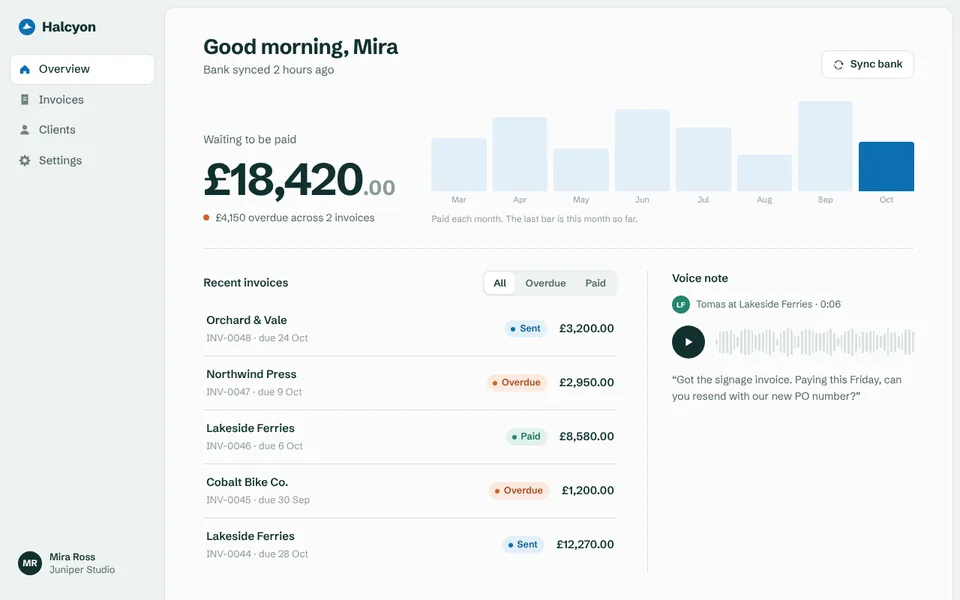
Signs in with a password the plan never sees, then sends an invoice. Any password works, so pick any word.
claude mcp add recklip -e HALCYON_PASSWORD=demo -- npx -y recklip-mcp
Added Recklip already? Run claude mcp remove recklip first. In other tools, add "env": { "HALCYON_PASSWORD": "demo" }.
Use Recklip to record sending an invoice on https://recklip.pages.dev/demo/halcyon/. Sign in as mira@halcyon.test. The password is in $ENV:HALCYON_PASSWORD. Save the plan as halcyon.recklip.json.
curl -fsSLO https://recklip.pages.dev/demo/halcyon.recklip.json
HALCYON_PASSWORD=demo npx -y -p recklip-mcp recklip record halcyon.recklip.json
claude mcp add recklip -- npx -y recklip-mcp
Add -s user after add to have it in every project. Then /mcp lists 5 Recklip tools.
~/.cursor/mcp.json
{
  "mcpServers": {
    "recklip": { "command": "npx", "args": ["-y", "recklip-mcp"] }
  }
}
code --add-mcp '{"name":"recklip","command":"npx","args":["-y","recklip-mcp"]}'
{
  "mcpServers": {
    "recklip": { "command": "npx", "args": ["-y", "recklip-mcp"] }
  }
}
The file is claude_desktop_config.json. Restart Claude Desktop after saving.
{
  "mcpServers": {
    "recklip": { "command": "npx", "args": ["-y", "recklip-mcp"] }
  }
}
Ask your AI check Recklip status
, or run:
npx -y -p recklip-mcp recklip doctor
Prompts that work well. Click one to copy it.
{
  "title": "Send an invoice",
  "url": "http://localhost:3000/",
  "steps": [
    { "do": "click", "target": "role=link[name=\"Invoices\"]",
      "chapter": "Create the invoice", "note": "Open Invoices" },
    { "do": "type", "target": "#amount", "text": "1800" },
    { "do": "type", "target": "#pw", "text": "$ENV:APP_PASSWORD" },
    { "do": "waitFor", "target": "#sent" }
  ]
}
The UI changed? Ask your AI to re-run the plan and fix what broke.
Secrets stay in the environment: the plan keeps only $ENV:NAME.
Full reference on npm ↗
Recordings are saved in ~/.recklip. The video is served only on 127.0.0.1.
It never touches your Chrome profile, cookies or saved passwords.
No account, no telemetry. The video address sits after # in the link, which browsers never send to a server.
The link works on the same computer while Recklip is running (your AI tool, or recklip record). Any time later, drag the project.zip it gave you onto the Recklip library.
Any MCP client that runs local servers: Claude Code, Cursor, VS Code, Claude Desktop, Windsurf and more. The plan-writing guide ships with the server, so every client gets it.
Ask log me in to
your sign-in page. A window opens, you sign in once, and later runs stay signed in. 2FA and captchas need you in that window.
Your own app works best. Some sites block automated browsers or rate-limit them. When that happens, the check names the site so your AI stops guessing selectors.
It uses your Chrome with its own profile. Without Chrome, it downloads its own browser once (about 175 MB). The raw video is then VP9 instead of H.264, and export works either way.
Yes. recklip-mcp is MIT licensed, and the full source ships in the npm package ↗
claude mcp add recklip -- npx -y recklip-mcp